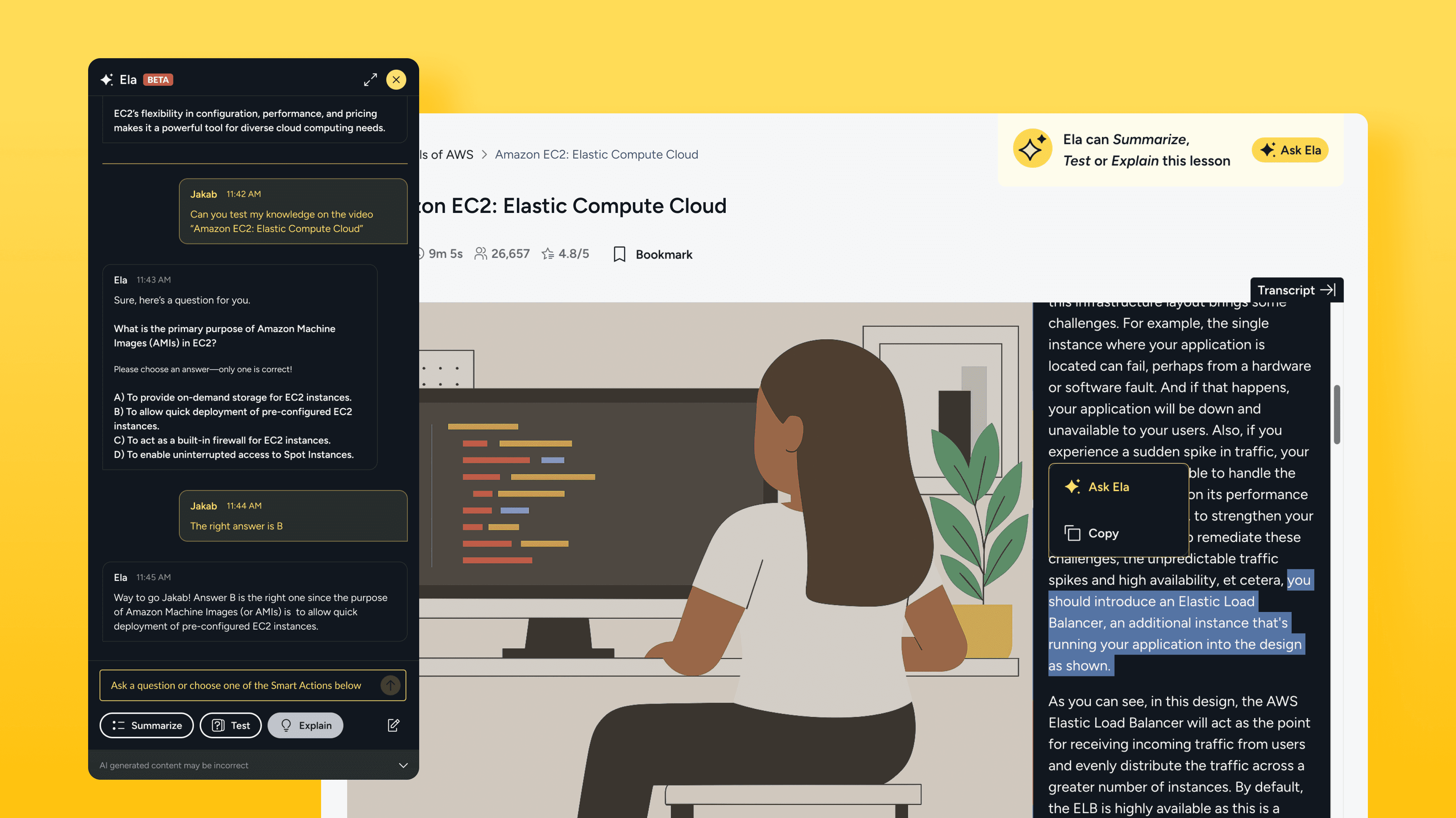
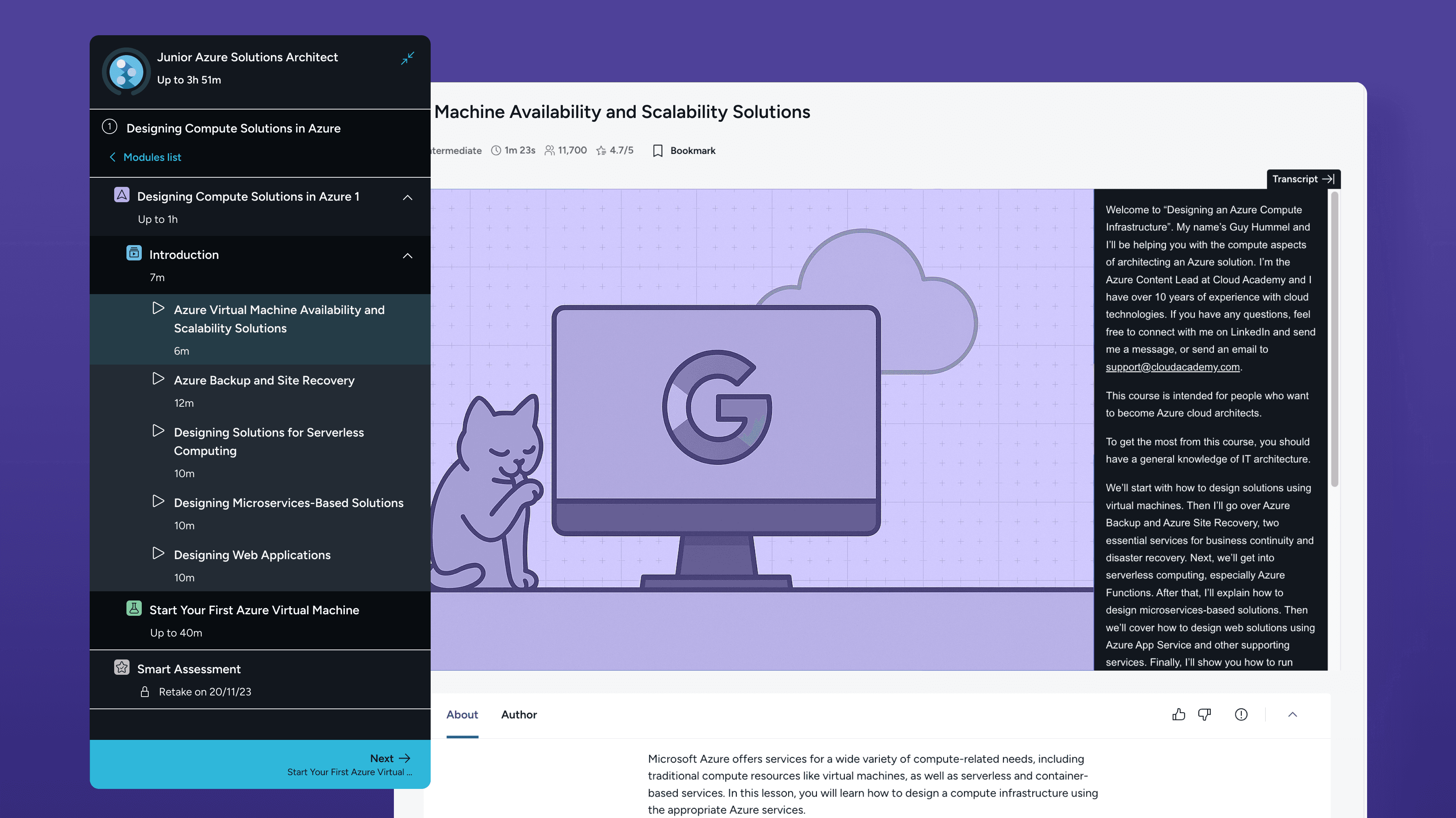
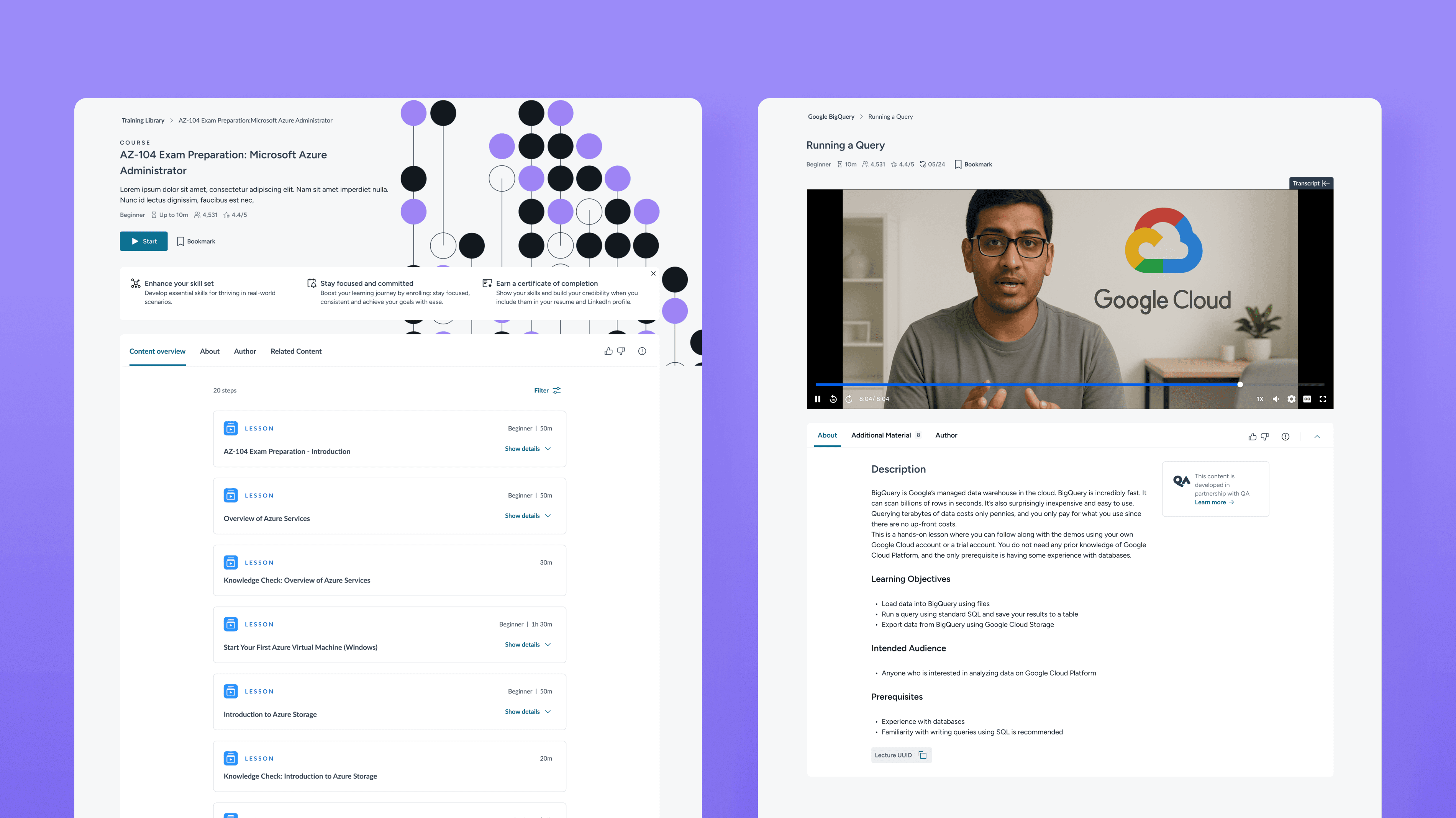
How I simplified and unified a misaligned Text Lecture experience to support a major content merger.
I turned fragmented Text Lectures into a clear, consistent experience, fixing readability, layout, and progression issues after Cloud Academy and Circus Street merger under QA's brand.
My role on the project:
I led product design from early discovery to launch.
I worked closely with Product, Sales, CSM, and Data teams to:
Clarify the problem we were solving
Map how sales reps actually worked
Define what “good” recommendations looked like
Design the end-to-end experience
I owned the UX strategy, interaction design, and prototyping.
The challenge: inconsistent and outdated learning experience
After QA Group acquired Cloud Academy and Circus Street, the learning experience became fragmented. Circus Street offered text-based lessons with rich media, while Cloud Academy prioritized video content. Text Lectures in particular had been overlooked and suffered from usability issues that frustrated learners and diluted the value of the platform.
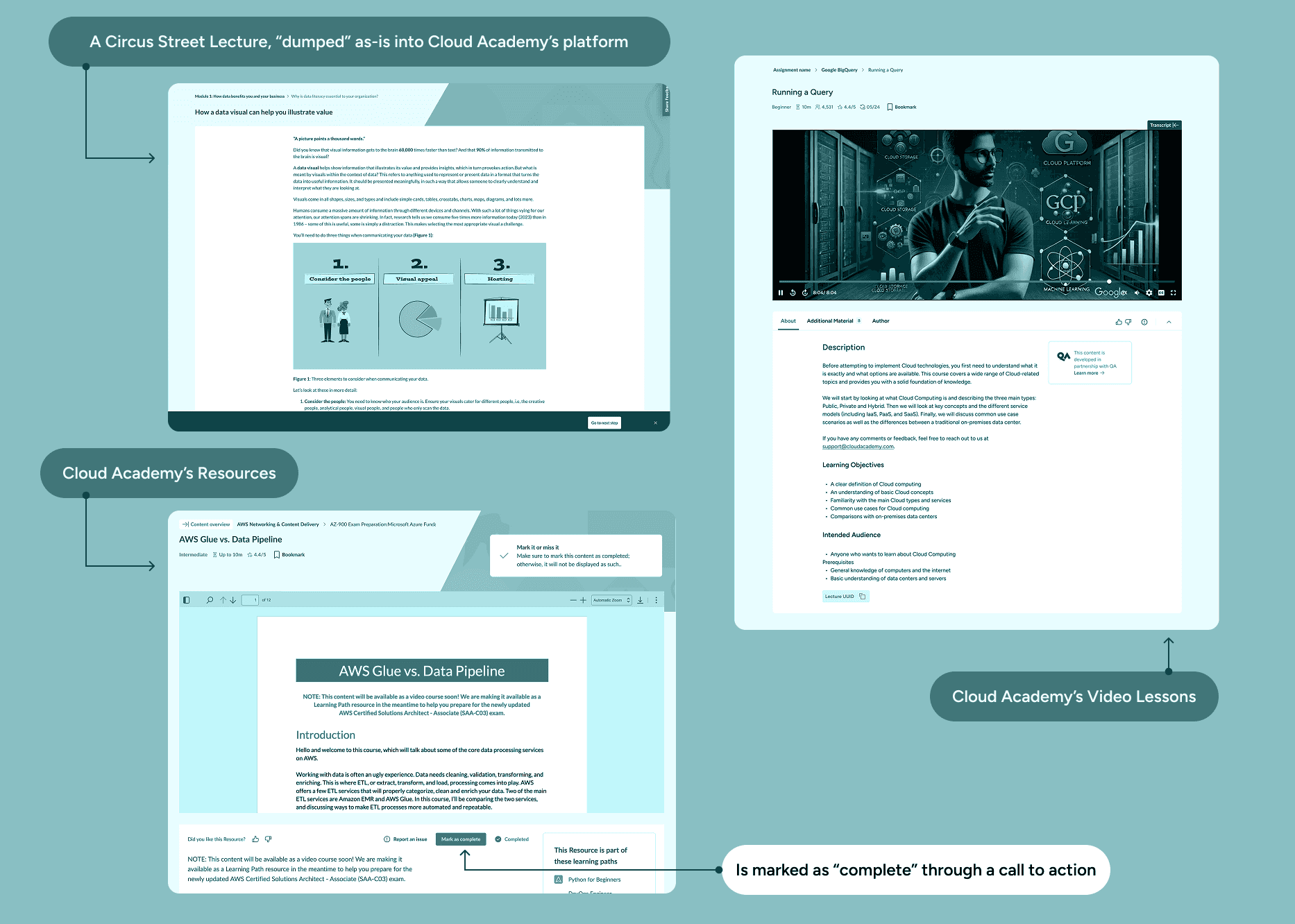
How might we create a unified experience across diverging content models?
To deliver a cohesive experience across the newly combined content library, we had to bring legacy formats up to standard. Without a redesign, learners would continue facing friction that impacted engagement and learning outcomes. The platform needed to support multiple content types while feeling consistent and intuitive.
Key issues identified:

Completion logic auto-triggered after 10 seconds, which was misleading and inaccessible.
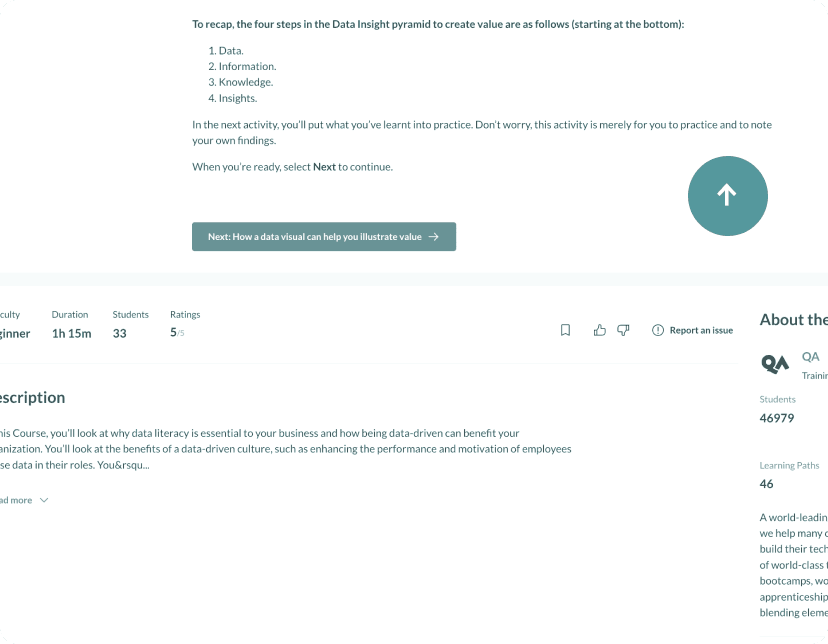
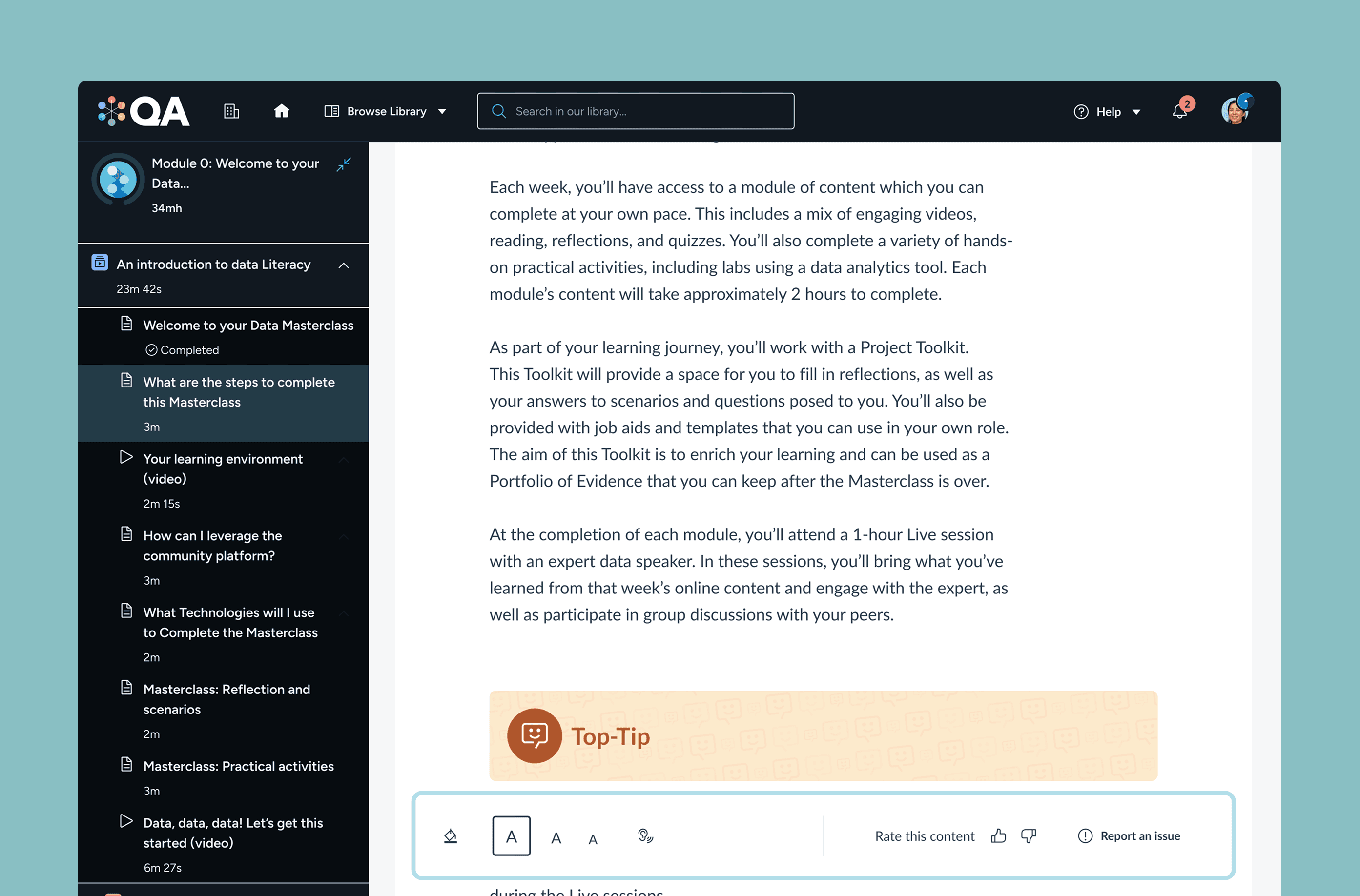
Poor readability due to small typography and excessive line width.

Redundant navigation (multiple "Next" CTAs in one view).

Inconsistent placement of metadata like duration, difficulty, ratings.

Lack of support for images in Cloud Academy's content.
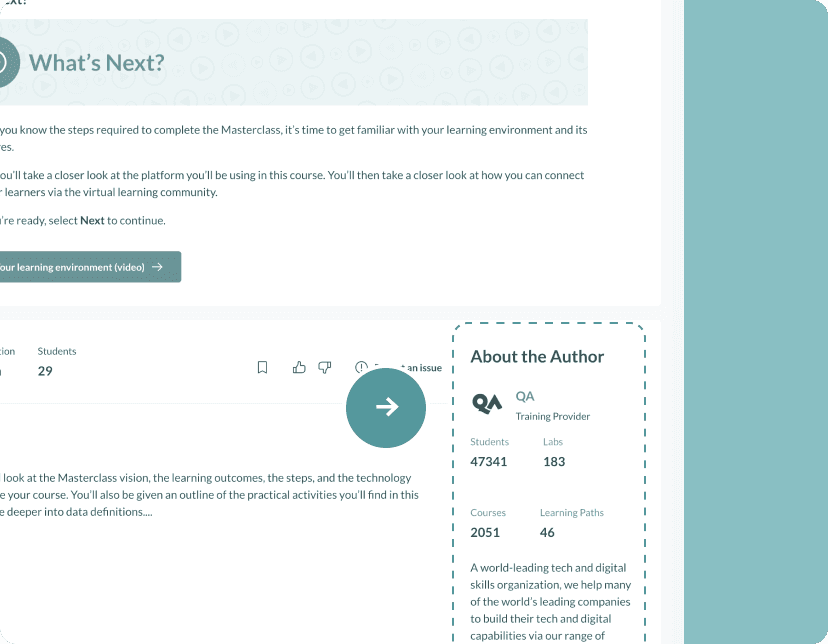
Author info often missing, creating awkward empty UI.
My approach: designing for consistency, flexibility, and scale
I approached the redesign holistically, aligning decisions with platform patterns while prioritizing learner needs. Below is a quick overview of the solutions implemented.
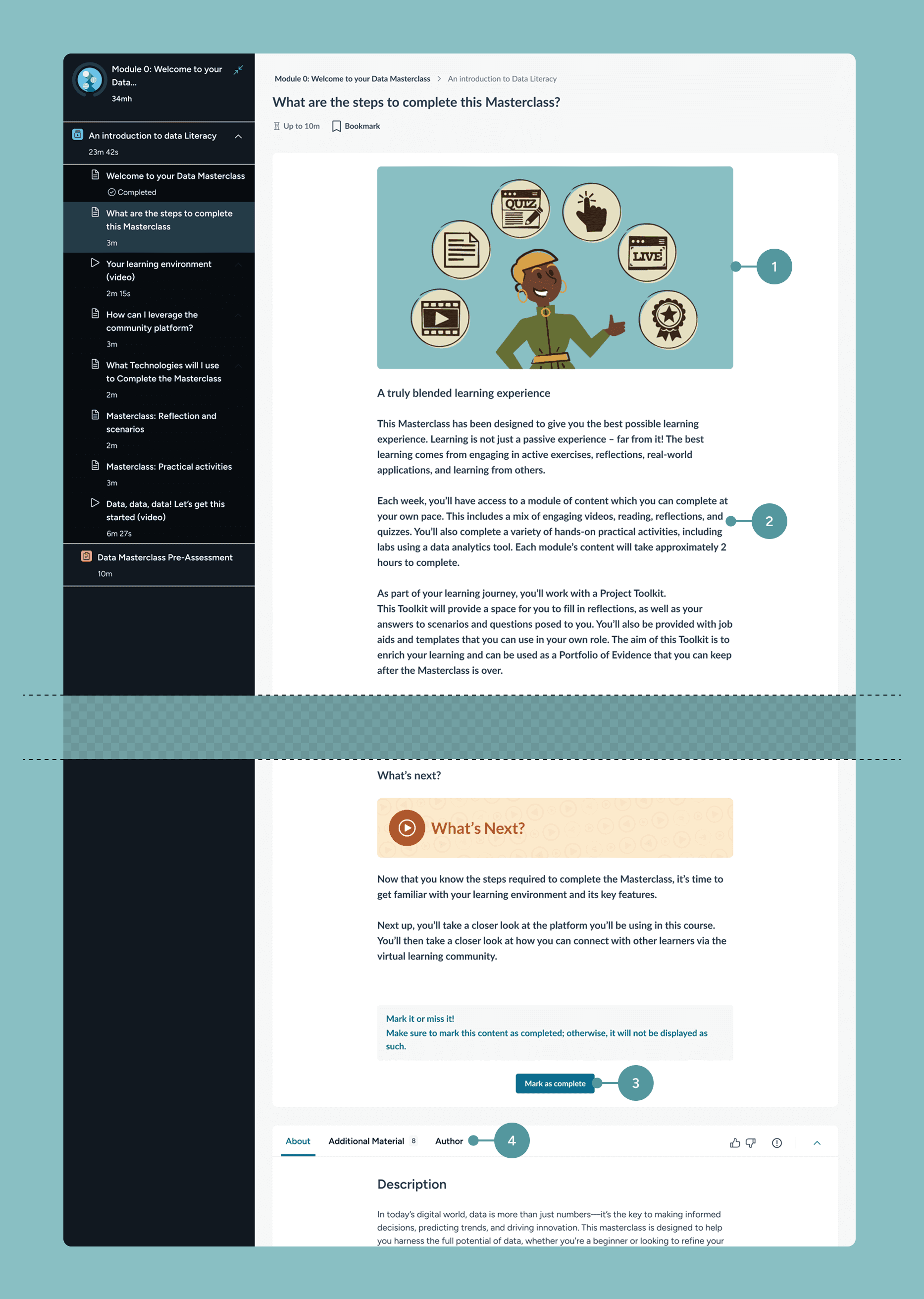
1. Enabled multimedia support
Extended the design to handle images, ensuring parity across content formats.
2. Improved readability
Refined typography, increased text size, optimized content width, and adjusted contrast for clarity.
3. Fixed progression logic and improved accessibility
Replaced automatic completion with a manual, user-triggered action to ensure accuracy and accountability. While the "Mark as complete" action couldn’t be made reversible due to technical constraints, I introduced a confirmation modal to add necessary friction and prevent accidental completion — supporting users with mobility or cognitive challenges.
4. Dynamic author display
Built logic to hide the author section when no data was available, removing visual noise.
Results: From UX debt to a cohesive learning experience
What’s next: personalization and inclusivity
Moving forward, we aim to optimize the overall usability and inclusivity of Text Lectures.
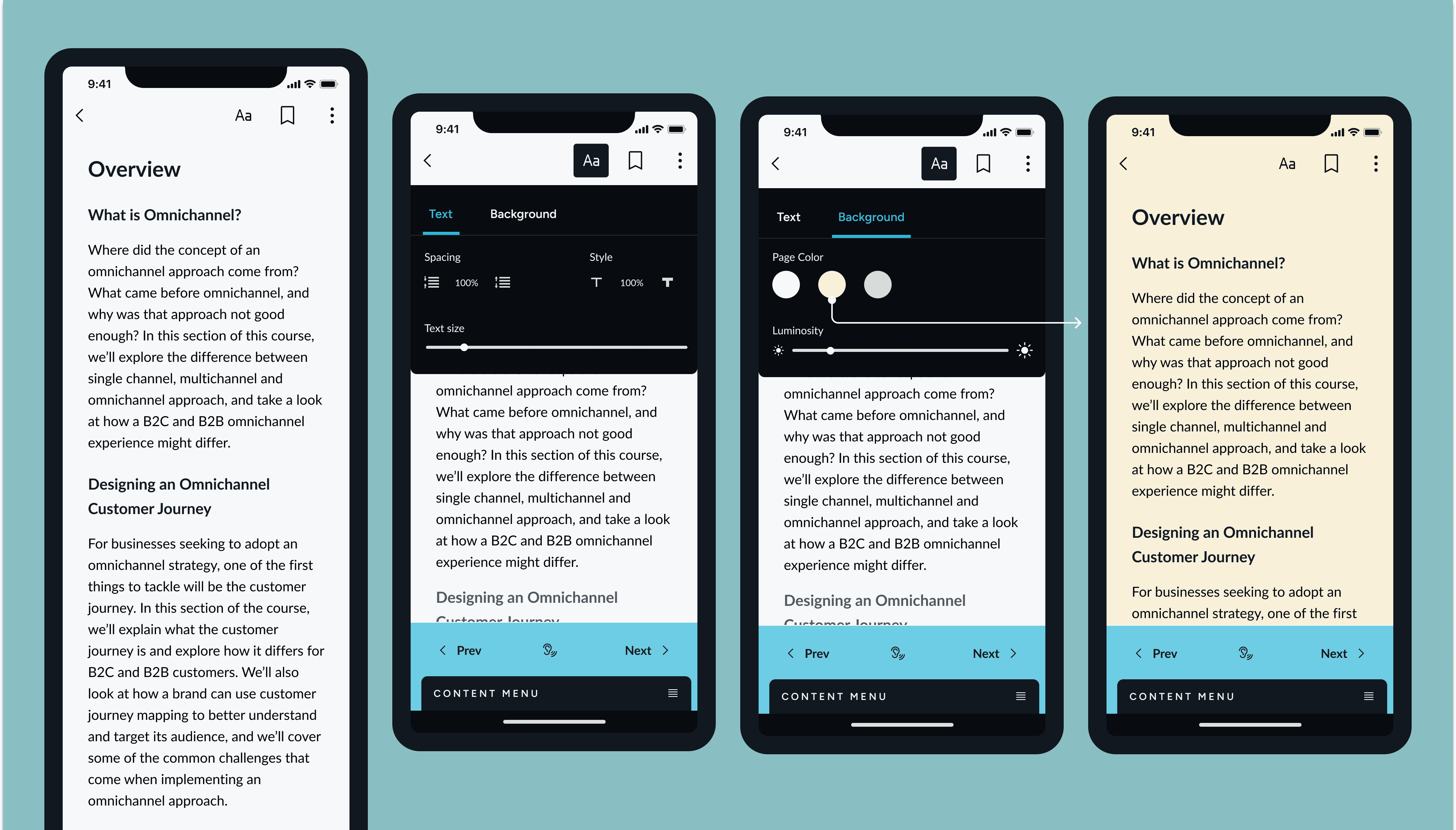
Based on competitive research, including other e-learning platforms but also apps like Kindle and Google Books, we are exploring features that allow users to customise their reading experience.
This includes adjustable text size, background colour options for better contrast, and text-to-speech functionality to support diverse learning needs.
These improvements will ensure a more accessible and user-friendly experience for all learners.
Below are some ideas I've started exploring.